
Terms of use
You can download the terms of use here.
Authentication
Visit the Redmine INSU website.
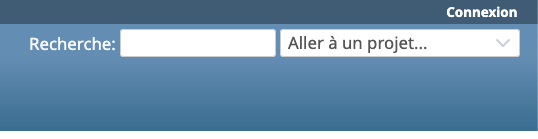
Click Sign in in the upper-right corner.
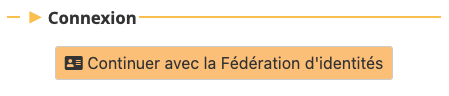
Then click the button Continuer avec la Fédération d’identités.
The INSU authentication portal will open :
- If you have a CNRS account, select J’ai un compte CNRS (JANUS authentication)
- Otherwise, select Fédération Education-Recherche

User guide
You can find the user guide on the official Redmine website here.
Miscellaneous information
- The integration of external partners is currently under consideration.
- The addition of a plugin must be proposed by the laboratory representative and approved by the committee of laboratory representatives.
